Business Objects (Source Map)
Business Objects hierarchy in the Source Map is not editable, as it is imported from the Target Map as the Target Interface. This is where mapping from the source data is defined.
General Tab
This tab has three fields, to record the Name, Description and Comments about the Metadata.
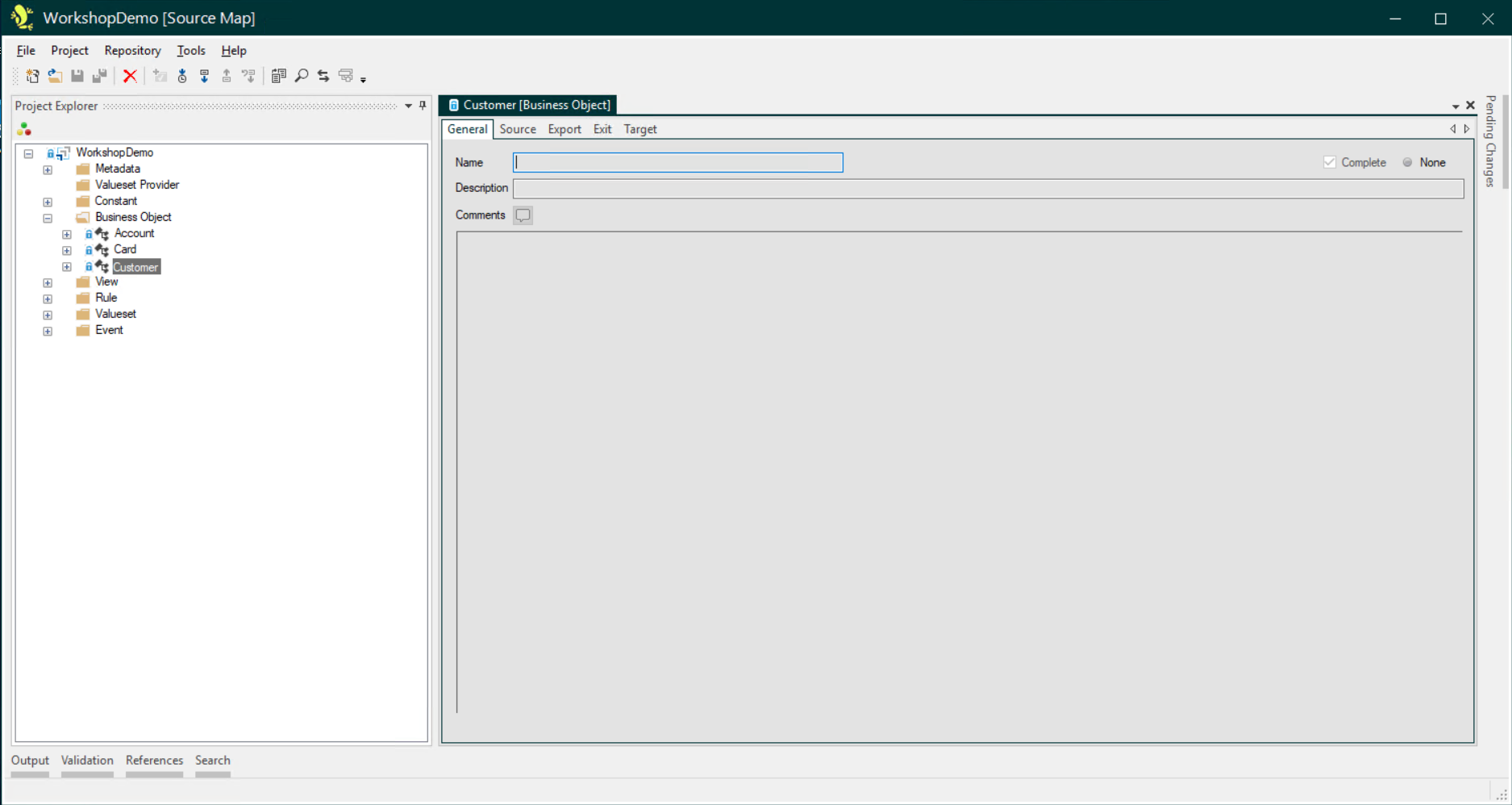
The Name field is optional in the Source map - it is only used when creating Duplicates. As with Description and Comments fields elsewhere in the Studio, it is good practice to use these to record additional informative details about the migration mapping for other users.
Source Tab
This is where the Extraction Map for the Business Object is defined. You can read more about this here: The Extraction Map
When selecting an entity in the Extraction Map, three or four sub-tabs are displayed:
Name & Description
This tab has two fields, to record the Name and Description for the Extraction Map entity.
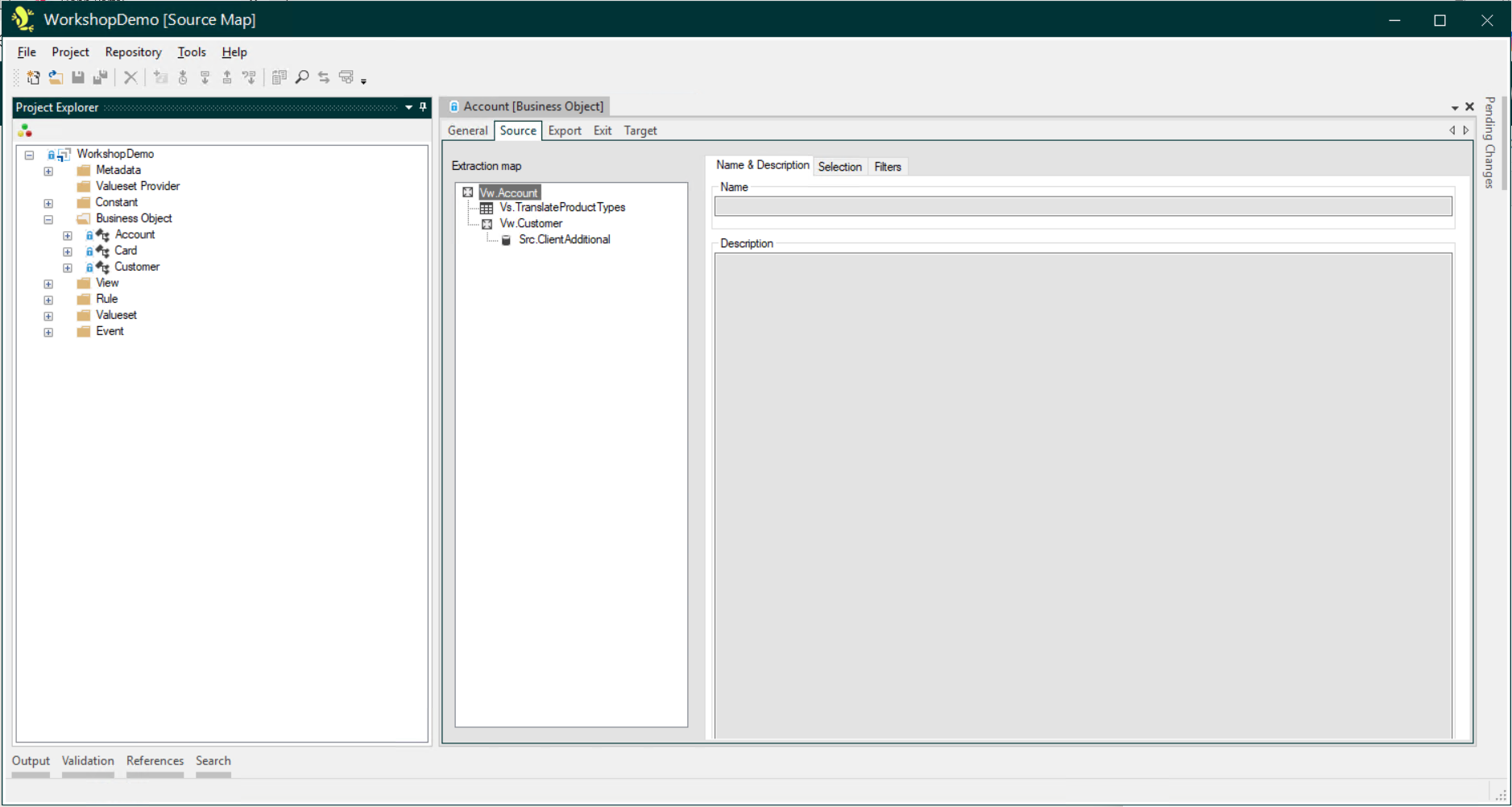
The Name field is only required if the same entity is being used more than once in the Extraction Map hierarchy. As with Description fields elsewhere in the Studio, it is good practice to use these to record additional informative details about the migration mapping for other users.
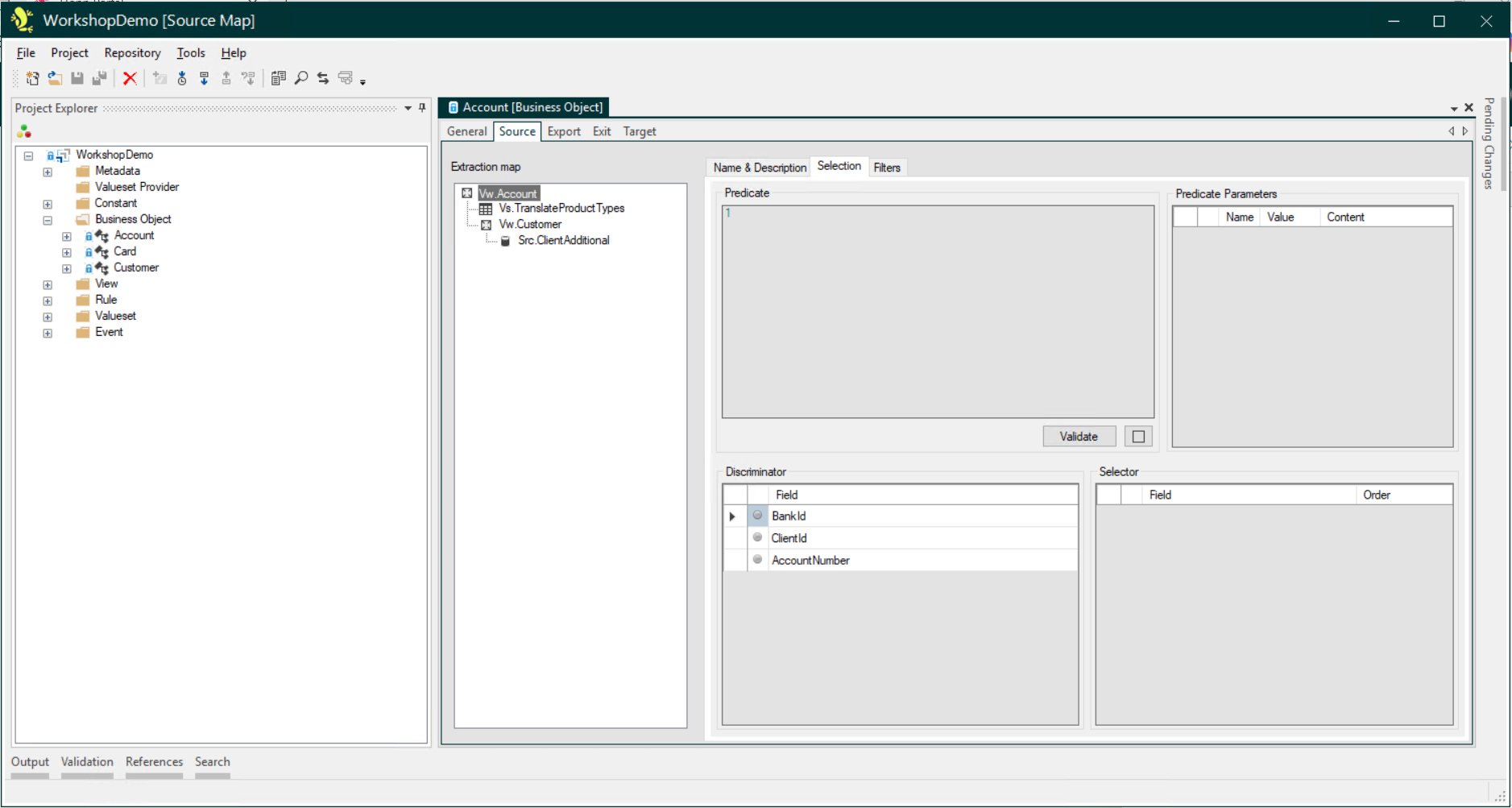
Selection
The Selection tab is only seen for the root entity of the Extraction Map of the Root Business Object. This is where the selection of records to be extracted from the entity is specified.
Relationship
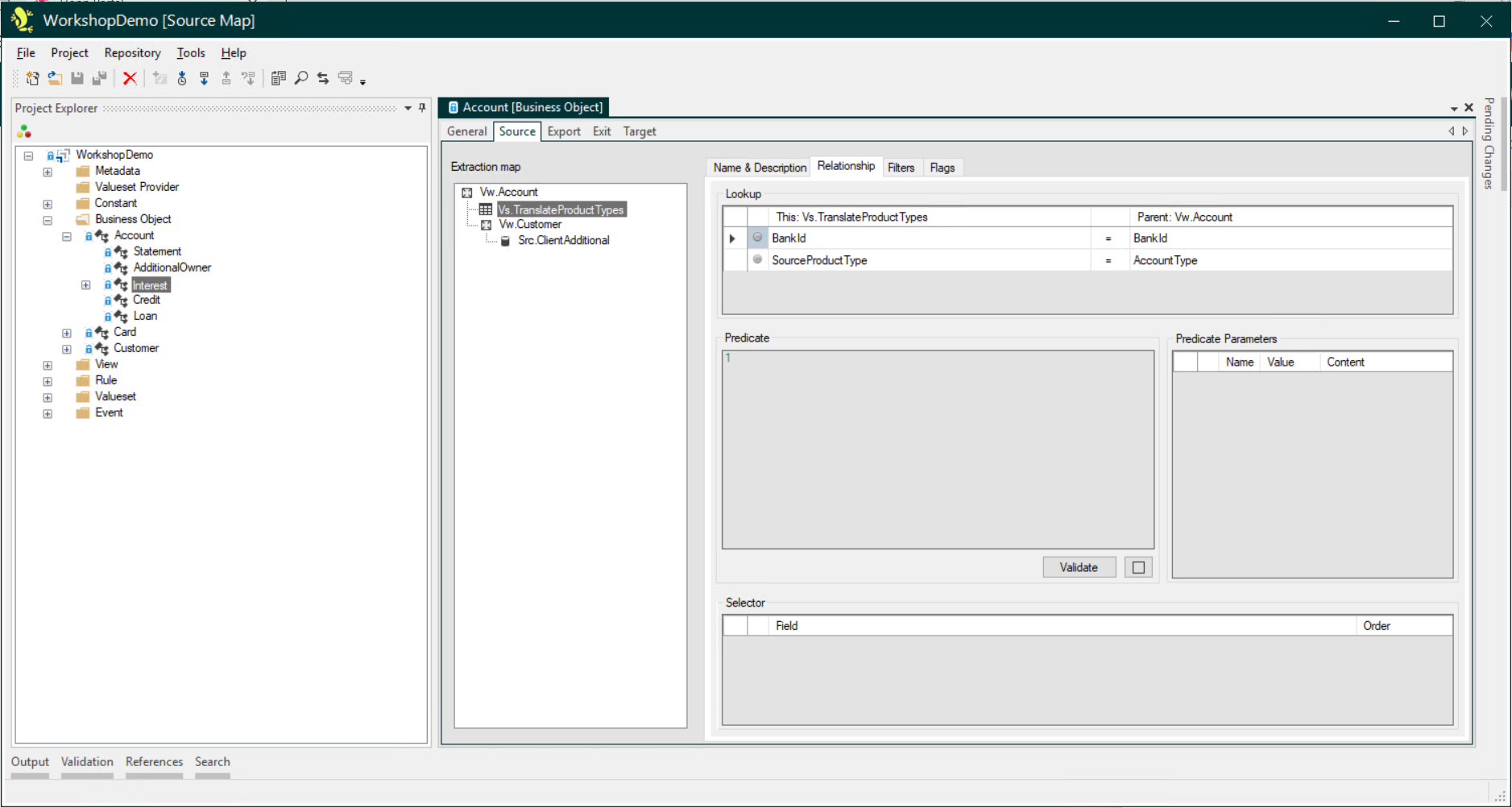
The Relationship tab is displayed for all entities in the Extraction Map where the Selection tab is not displayed. Again, this is where the selection of records to be extracted from the entity is specified. In addition, a Lookup is specified:
- For root entities in an Extraction Map, this will define the relationship to the parent Business Object Extraction Map.
- For child entities in an Extraction Map, this will define the relationship to the parent entity in the Extraction Map.
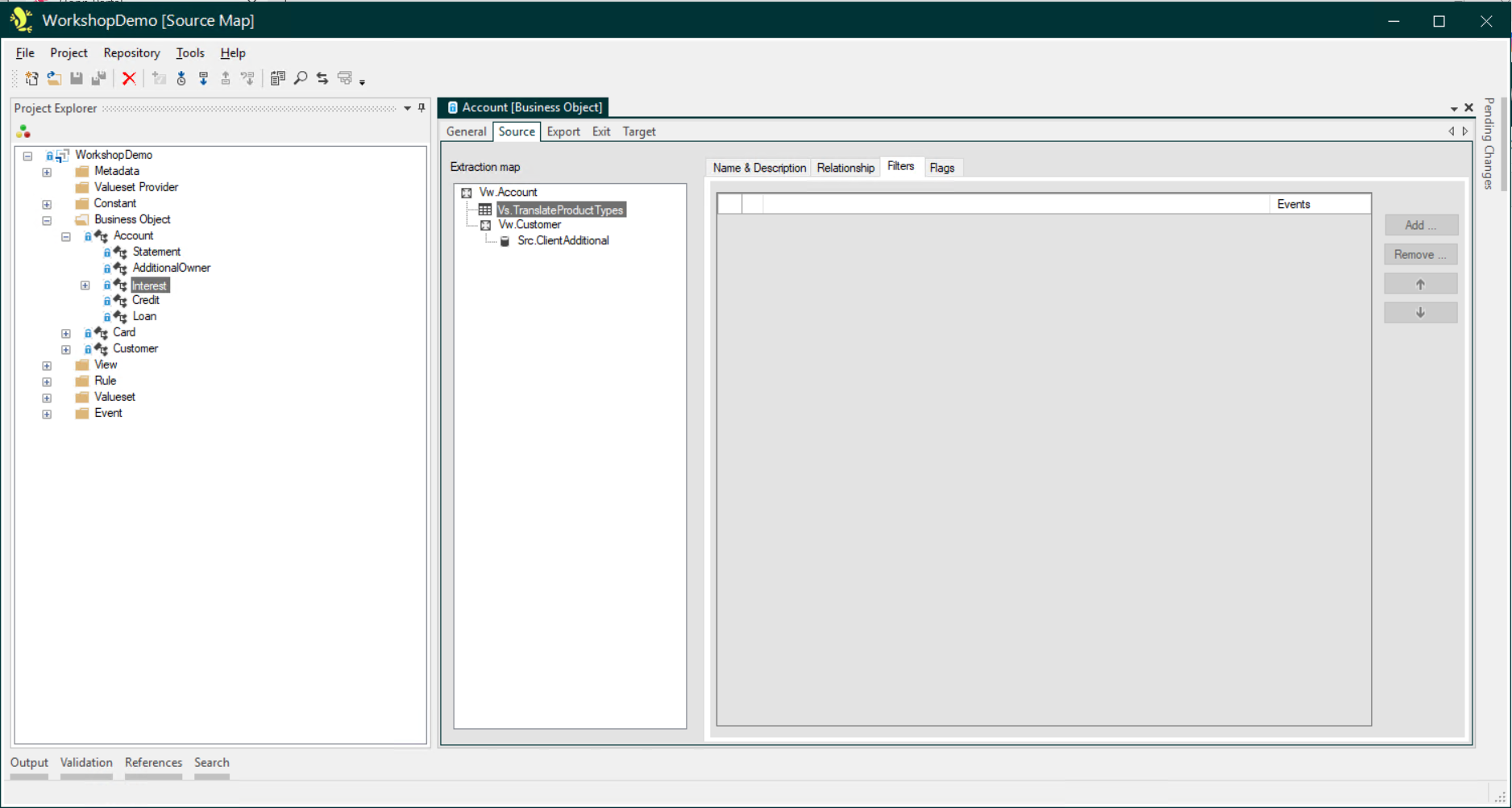
Filters
This is where Filter Rules for the Extraction Map entity are recorded.
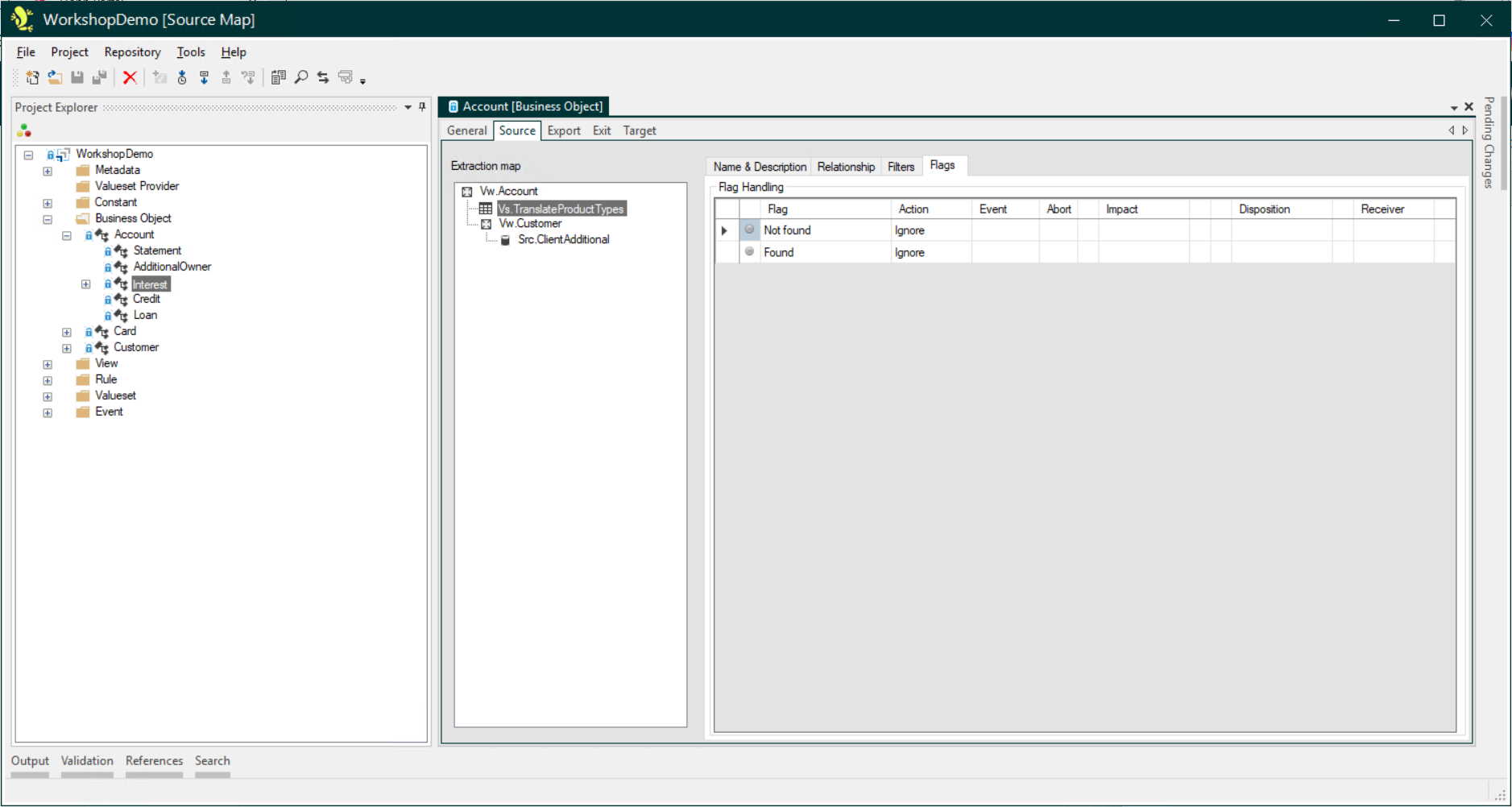
Flags
The Flags tab is seen for all entities except the root entity of the Extraction Map of the Root Business Object. This allows you to raise a Flag if a record is or isn't found for that entity.
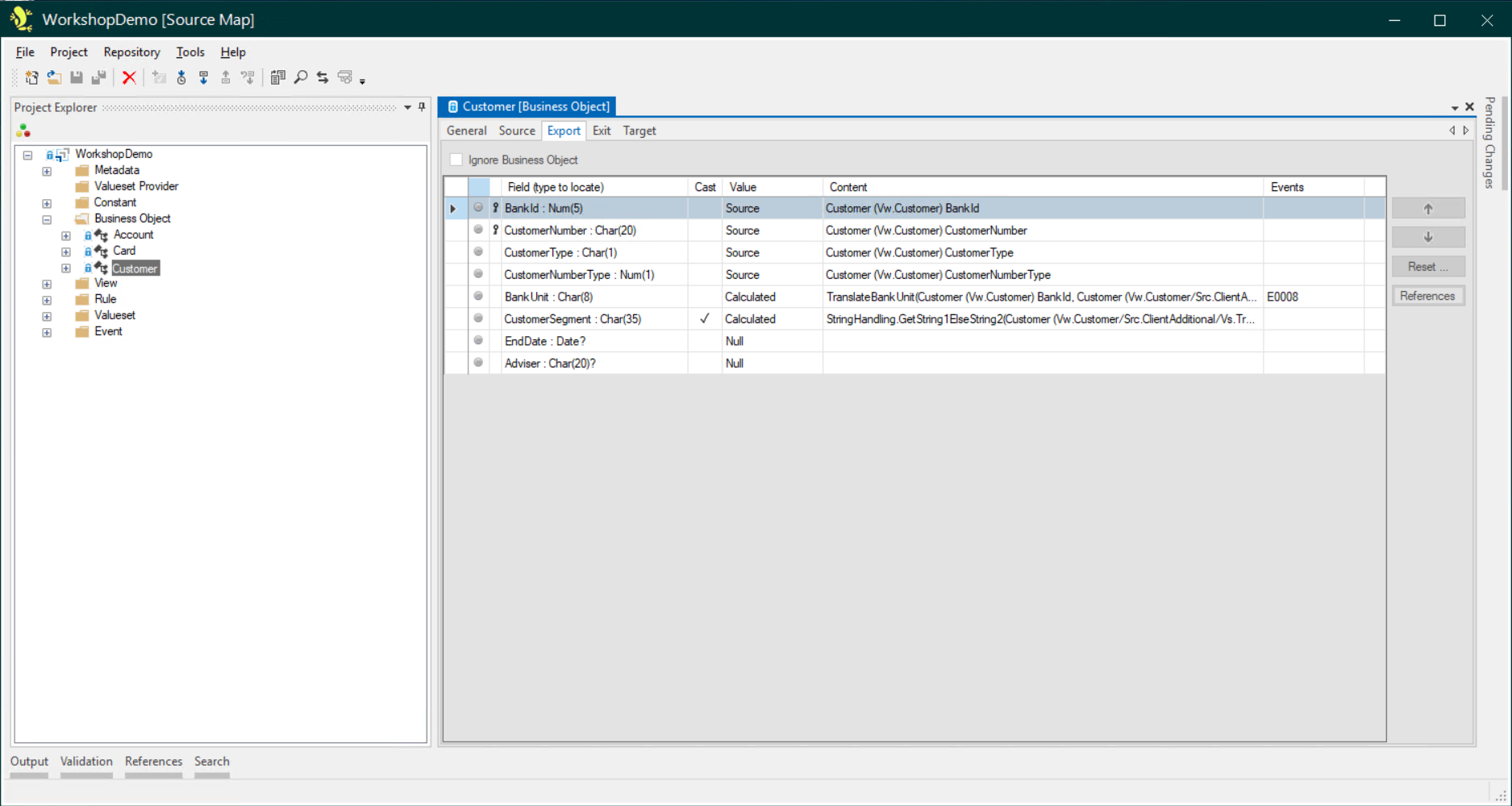
Export Tab
This is where mapping for Target Interface fields is specified.
Target Interface Field Value Types
Business Objects in the Source map are imported from the Target map as the Target Interface. Interface fields are imported with a Value of None. Each field will need one of the following values assigned to it:
- Literal
- Allowing you to simply type a literal value to be assigned to the Interface Field.
- Constant
- To specify a Constant that will define the value to be assigned to the Interface Field.
- Source
- To use a value from one of the Source Objects in the Source Map of the current Business Object - or any ancestor Business Object.
- Null
- To set this field to null for the Interface Field.
- Calculated
- To use an Export Rule or a Bag Method to calculate the value of the Interface Field.
- Bag Property
- To use the current value of a Bag Property to assign to the Interface Field.
- Export
- To pick up a value from another Target Interface Field, which may be in a parent Business Object.
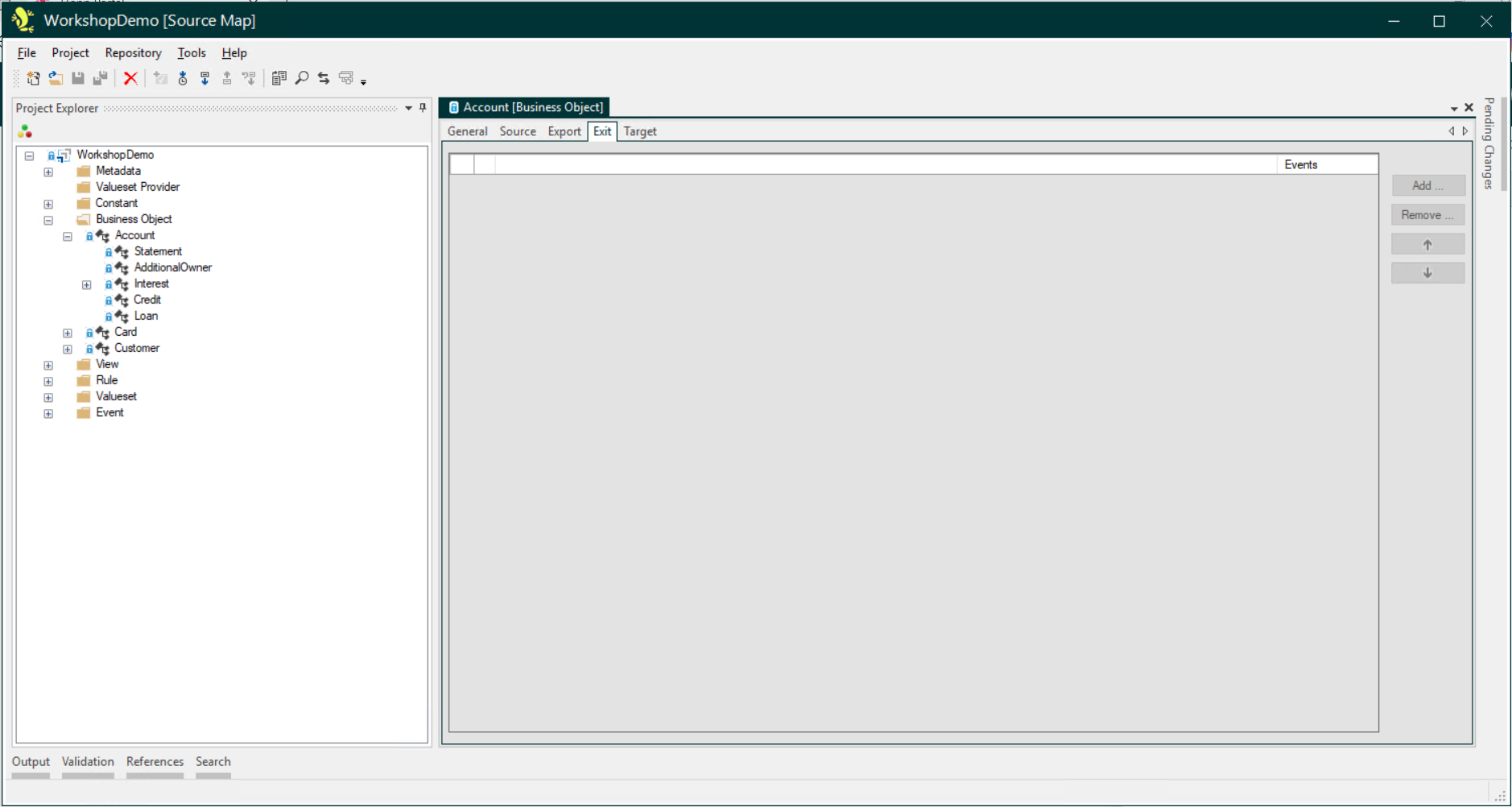
Exit Tab
This is where Exit Rules for the Business Object are recorded.
Target Tab
In the Source Map, the Target tab displays the fields from the General tab of the Business Object from the Target Map, which has been imported with the Target Interface.
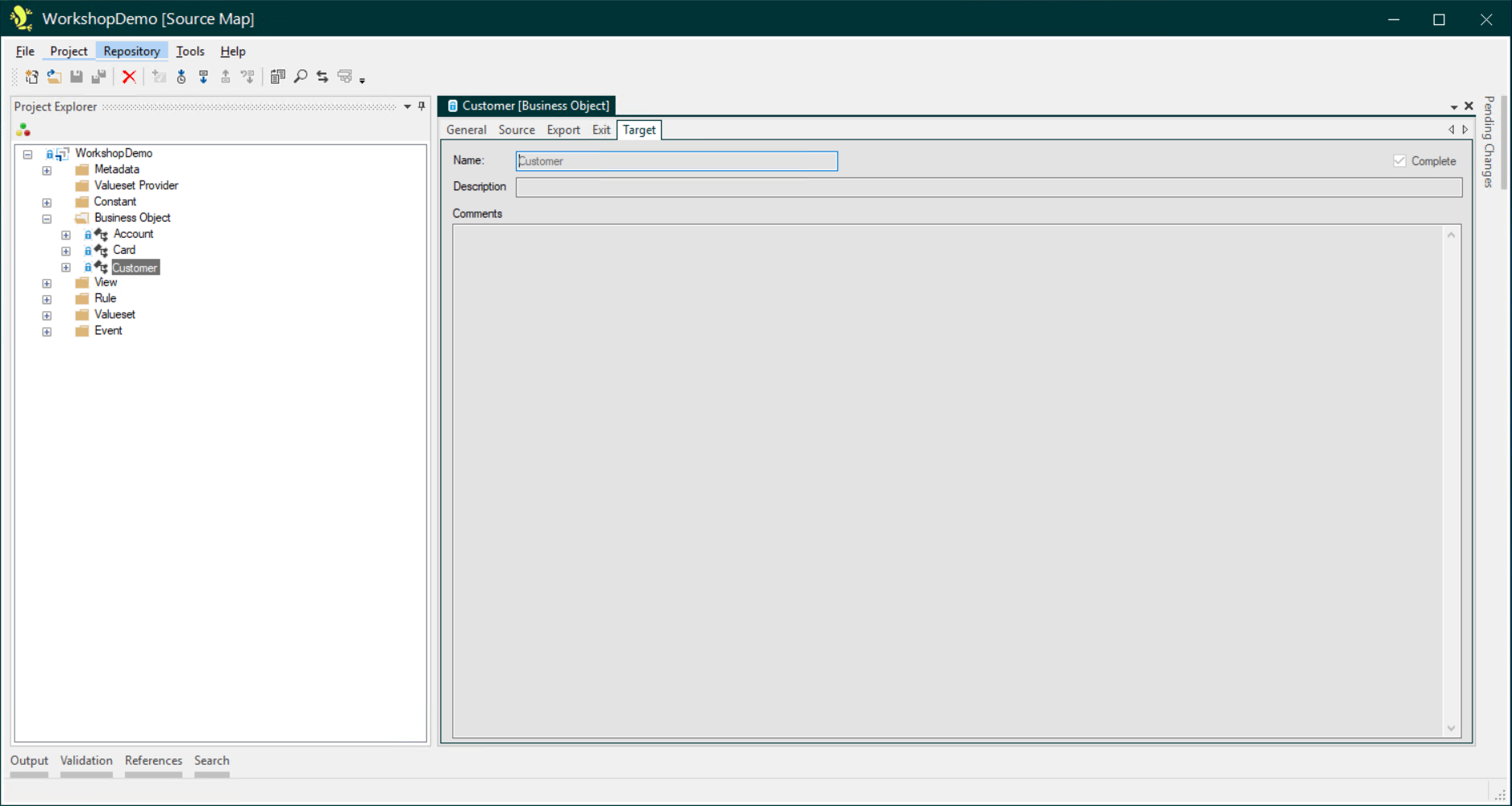
This illustrates the benefits of providing clear natural language descriptions of the target requirements in the Comments field of Target Map Business Objects.