Constants
A Constant is simply a value you define in one place only and then can use from everywhere else. This has a couple of advantages:
- By changing the value of the Constant itself you are in one go changing the value everywhere this Constant is used
- You can use the Cross Reference functionality of the Studio to find all the places this constant is used
You can read more about using Constants here: Secrets and Constant Replacement
List View
Clicking on the Constant folder in the Project Explorer opens the Constant list.

This screen provides a summary of the Constants.
Constant Screen
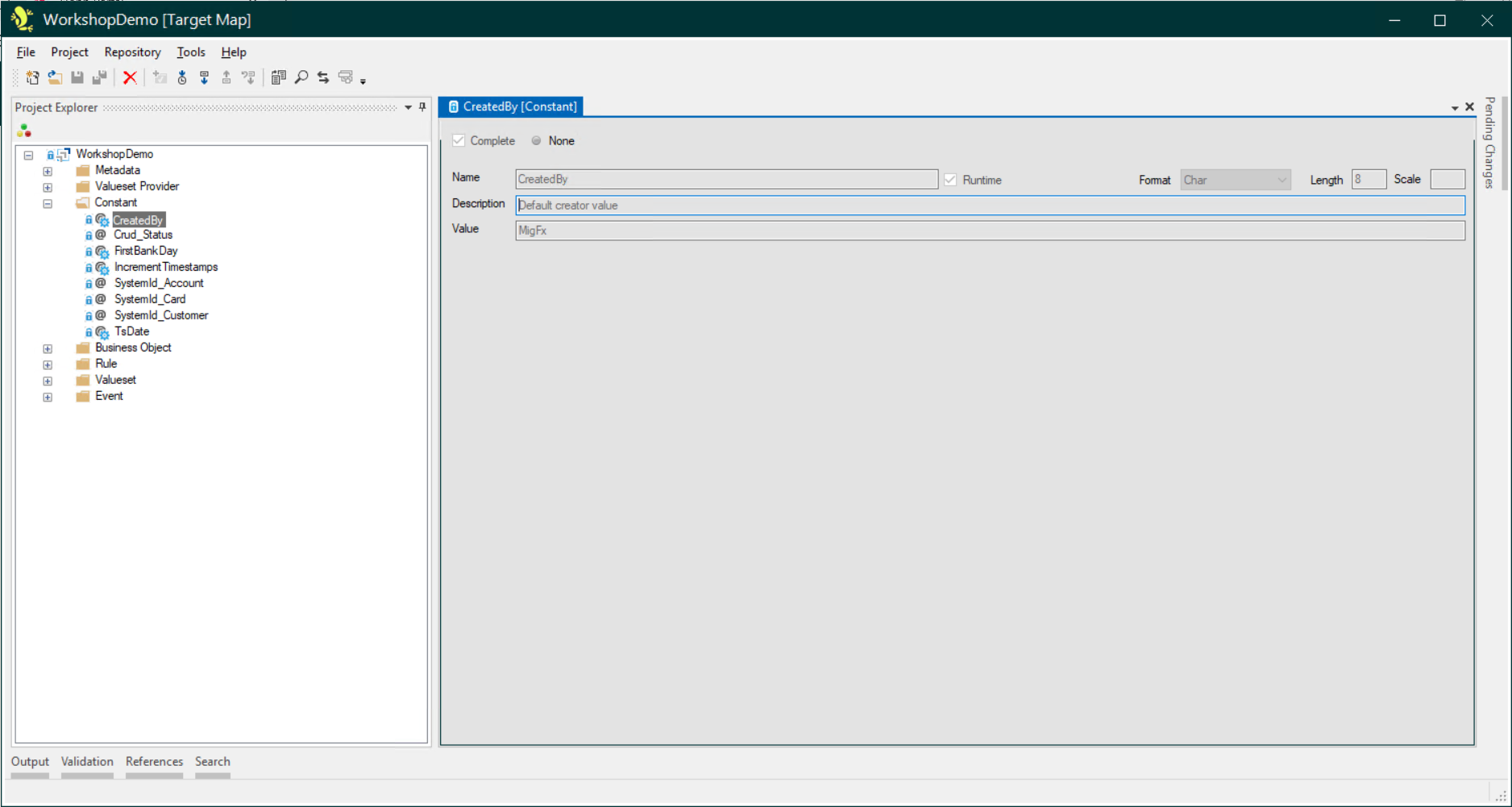
There are two types of Constants:
- Static
- The value of static Constant is defined in Studio.
- Runtime
- The value of the Constant can be modified at Runtime (in the Portal Operations and Runtime). Runtime constants are in all respects like parameters to the migration that may change between iterations. For instance, it is very common to have a runtime Constant containing the date of the migration that corresponds to the source data that has been staged.