Planning
Templates
A data migration project is naturally divided into areas of business or products etc. Examples of business areas taken from our banking demo sample banking could be:
- Account
- Customer
- Internet Banking
- Portfolio
- Etc…
Each Area is divided into sub-areas that in turn are also subdivided. In fact, a data migration project is divided into a hierarchy of Areas. For instance. Looking at a subset of Account this hierarchy could look like so:
- Account
- Loan
- Base data
- Product
- Currency
- Account Number
- IBAN Number
- Owners and partial ownership
- Etc…
- Conditions
- Credit Relief
- Direct debit
- Etc…
- Interest
- Etc…
- Etc…
The project manager can compose and maintain a Template containing the global hierarchy of areas relevant to any data migrations. This hierarchy can be as wide and as deep as necessary.
For each Area the project manager can provide:
- A Name to show for this area
- A Description to assist the understanding of what is covered by this area
- A Test Outline to describe how the tenant recommends the customer test this area
The Planning Extension should provide language support for the Name, Description, and Test Outline.
Setting up a Template
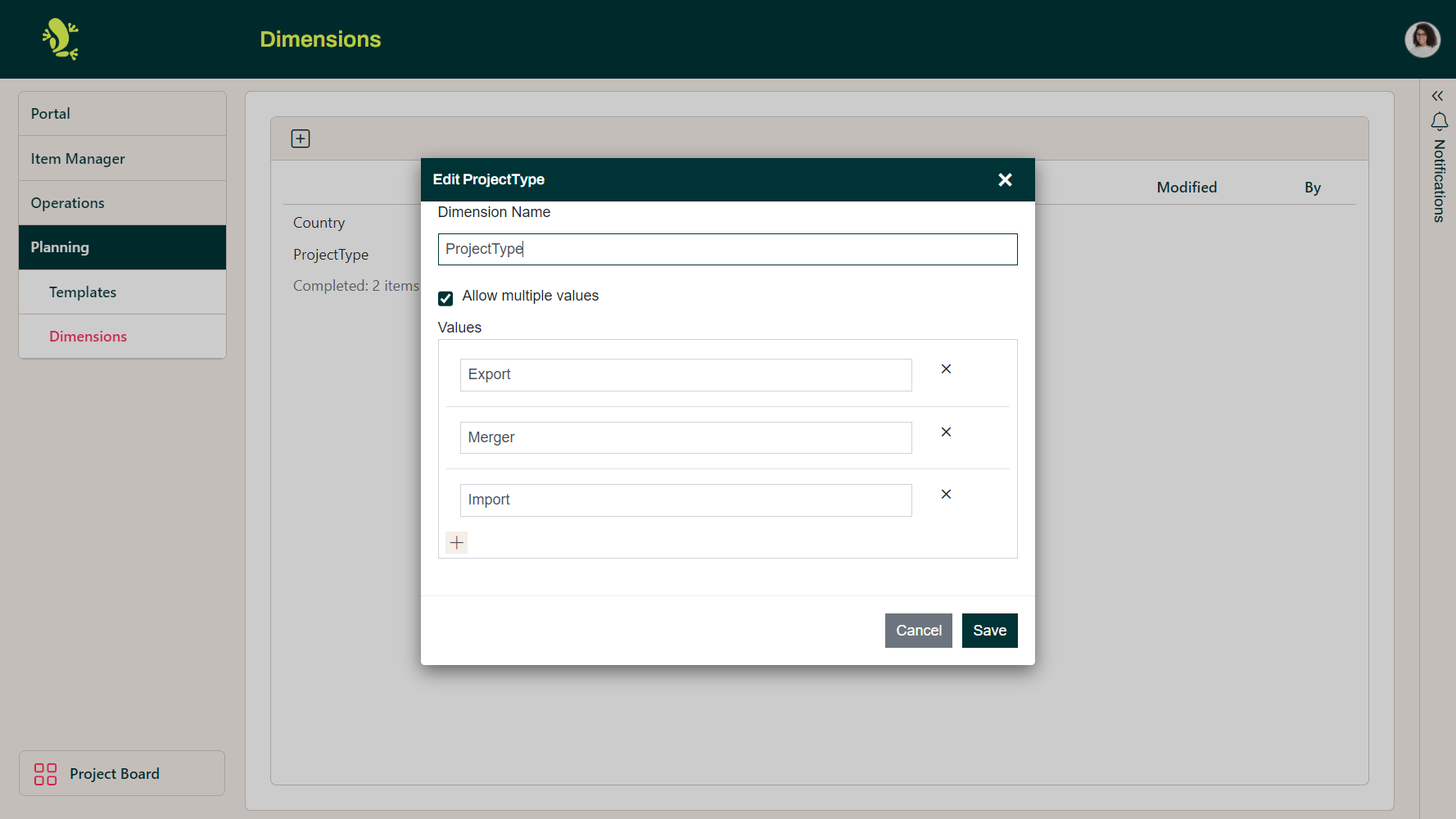
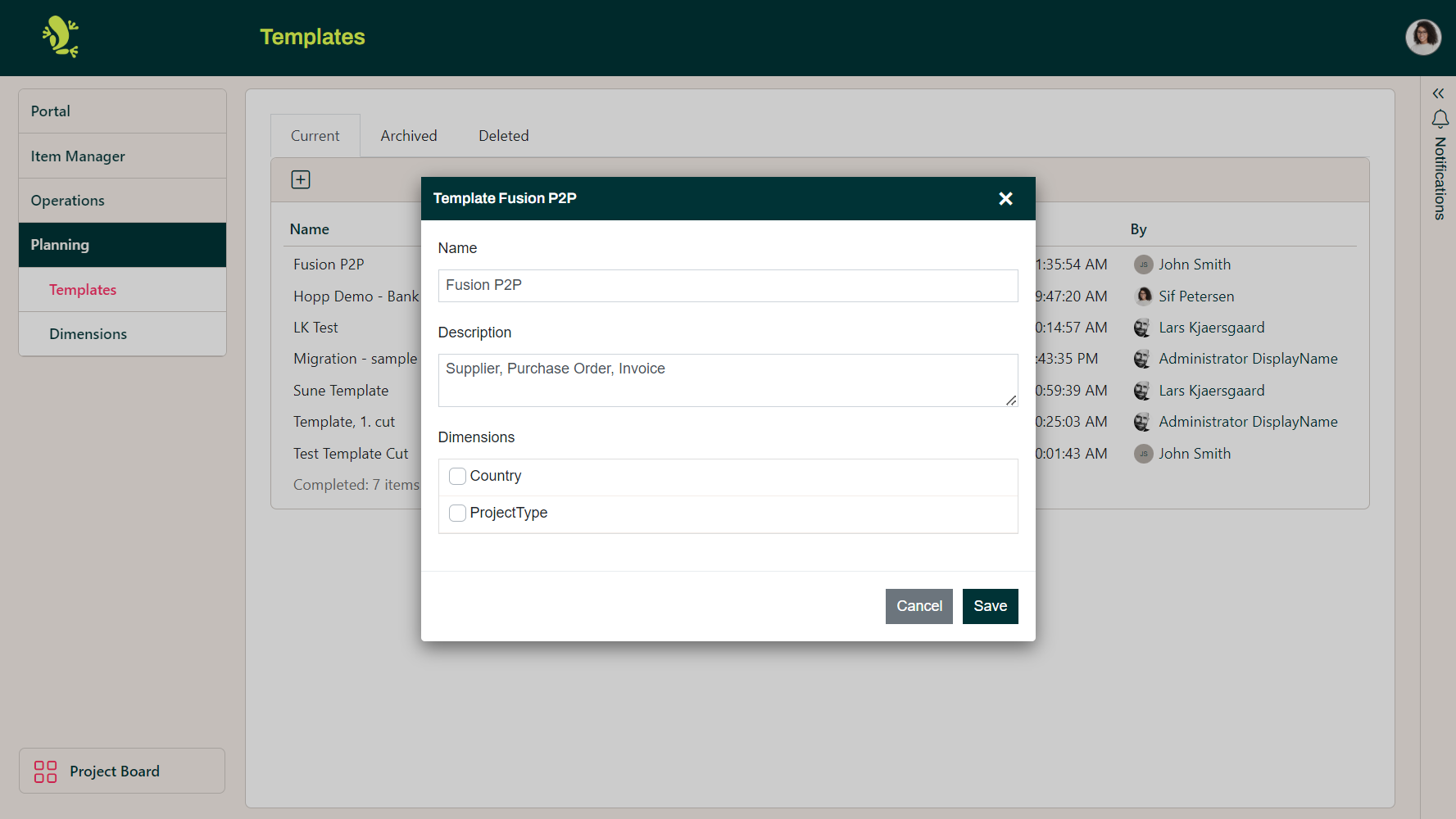
First decide if you need any new Dimensions (see below), these can be used to categorize the template once it has been used to create a plan in a project. The defaults provided are Project Type and Country, these can be kept, their values altered, or deleted if they are not appropriate.
You should then create a new Template by clicking on the plus icon and giving it a name.
The areas in a template could be defined as the different data elements to be included in the migration or the functional areas to be supported by the new target system.
Areas can be defined as children of a top level area so that the area can be broken down into a fine a level of detail as makes sense to test it.
The objective is to define the scope of the data migration and therefore those elements that must be tested once it is complete to prove that it has been done successfully.
The business must understand the definition so the definition should not be in technical terms of databases, columns, or attributes but in business terms such as Logical Entities or even Screens from the Target system.
The template should cover all possible areas that may be included in a particular type of project even if any individual project will never encompass all of them.
Access
Only authorized members of the migration team can work on a Template.
Dimensions
Not all areas are relevant for all data migrations. Some areas are only relevant for certain business areas/countries (for instance, certain Account types may only exist in a certain country) and the relevance of certain areas may also be dependent on the type of data migration. Is it an Export, a Merger, or an Import?
Country and Project Type are examples of Dimensions. Any given area in the Template can be marked relevant for these Dimensions. An area can for instance be relevant only for England and only for Imports and Mergers.