PowerShell Automation
What is the Hopp PowerShell Module?
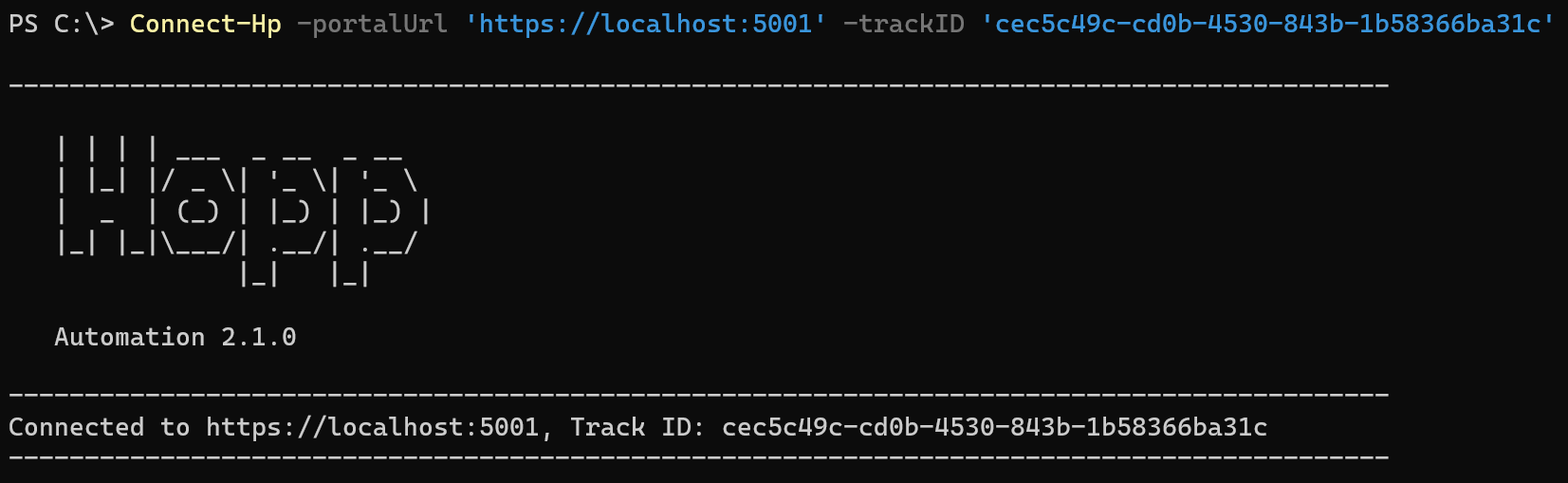
Hopp delivers a PowerShell module that can be used to automate the jobs that are normally submitted manually from the Portal Operations user interface.
The Hopp PowerShell module is an automation component within the Hopp data migration platform. It allows users to interact programmatically with Hopp’s migration environment, particularly the Portal and its underlying data structures. This module is designed to streamline repetitive tasks and enable advanced automation scenarios for complex migration projects.
By far - and indeed for many years - the normal use-case has been that one or more team users (operators) access the Portal Operations and from there submit migration jobs by manually identifying Business Objects, Views, Tables, Valuesets etc and submitting job to load, export, import and so on.
While this will certainly always be the case, there are some essential benefits brought to the table by the PowerShell Automation module:
| Orchestration | 3rd party orchestration software like Octopus Deploy, Control-M, Automic, Tivoli and others can use the Automation module to submit the migration jobs as part of a larger flow that includes both predecessor and successor steps in the end-to-end migration project. |
| Interactive | In the everyday development process, developers can use PowerShell and the Automation module to script jobs together in flows that can execute unattended - avoiding the need to monitor the job list to launch jobs in the flow as predecessor jobs complete |
The Hopp Automation module consists of a series of PowerShell cmdlets to list items like Business Objects, Valuesets, Views Tables etc. Other cmdlets create parameterized jobs that are ready to be submitted. Parameterized jobs can then be submitted, and finally, a cmdlet can wait for submitted jobs to finish.
Especially of interest for the interactive use-case, the user can create a schedule to combine sets of ready-to-submit, parameterized jobs. A schedule can then be submitted as one unit and if the schedule terminates due to a faulted/cancelled job it can be restarted to resume execution from the point of failure.
Core Functionality
Event Management: The module includes commands such as:
- Get-HpEventList – Retrieves a list of migration events from the Hopp Portal.
- Get-HpEventItemsDownload – Downloads detailed event data, including placeholders and values, into Excel or ZIP formats for analysis.
These commands support filtering and detailed help via Get-Help for usage and parameters.
Bulk Operations:
- Enables bulk download of event-related data for installations where the Portal UI is not fully utilized, ensuring stakeholders can access detailed migration insights programmatically.
Automation Integration:
- Designed for scripted workflows, the module allows migration teams to automate repetitive tasks, integrate with CI/CD pipelines, and maintain consistency across environments.
Why Use It?
-
Efficiency: Reduces manual effort by automating data extraction and reporting.
-
Flexibility: Supports custom scripts for advanced migration scenarios.
-
Transparency: Provides detailed event-level data for auditing and troubleshooting.