Home
Dashboard
The general Dashboard is the first/default page shown after login on and selecting a Project and a Track (if the project has more than one).
The information shown in the Dashboard is the generic key information from across the Project - Statistics, Timelines, and Items Timelines.
Specific elements (widgets) on the Dashboard might be available to your project depending on the configuration and may therefore not be available for all projects or users.
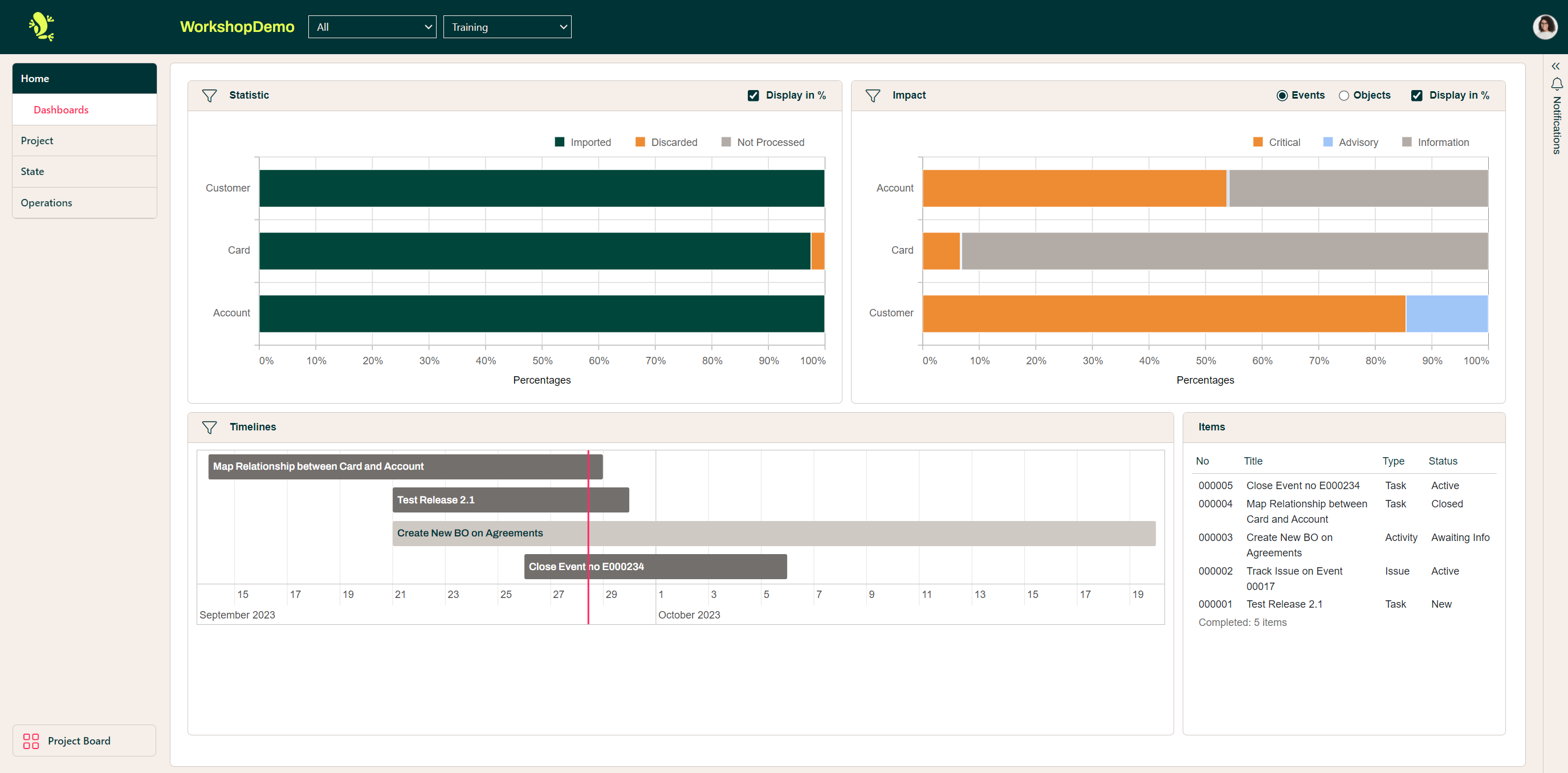
From the individual widgets/boxes, you might be able to navigate directly to the specific item by clicking on it for example in the Items Widget.